
You can contact your instructors at any time using Moodle Messaging.
1. Navigate to your course and click the red arrow on the right side to open the contact panel if it is not already open (Once it's open you can click the pin icon to keep it open).
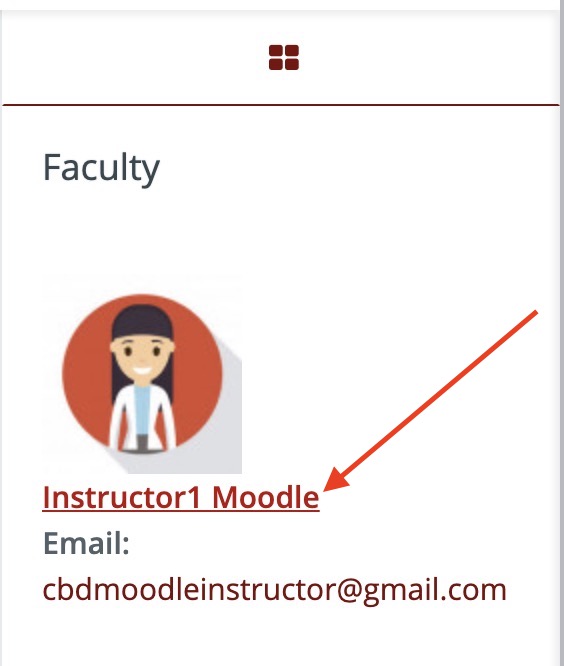
2. Click your instructor's name to open their profile.
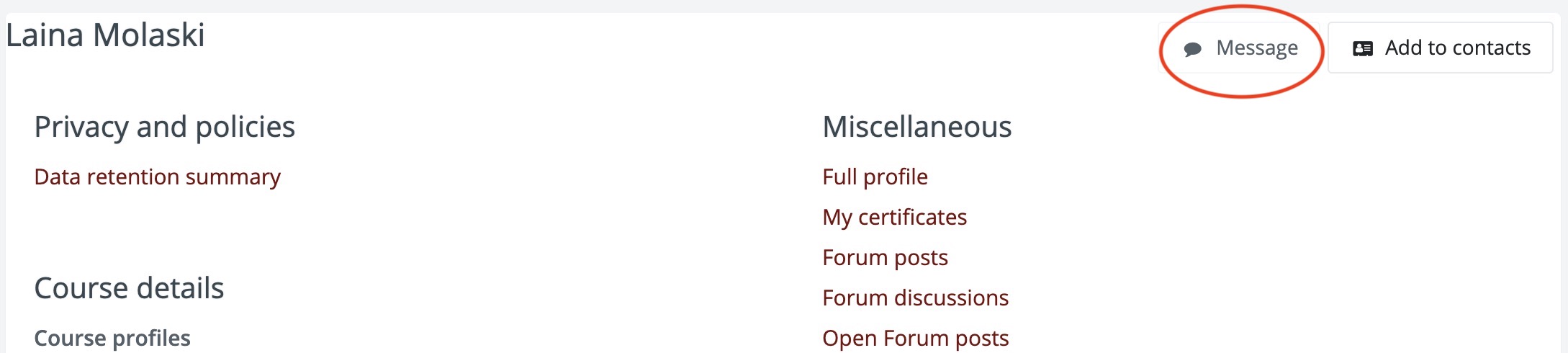
3. Click the Message button
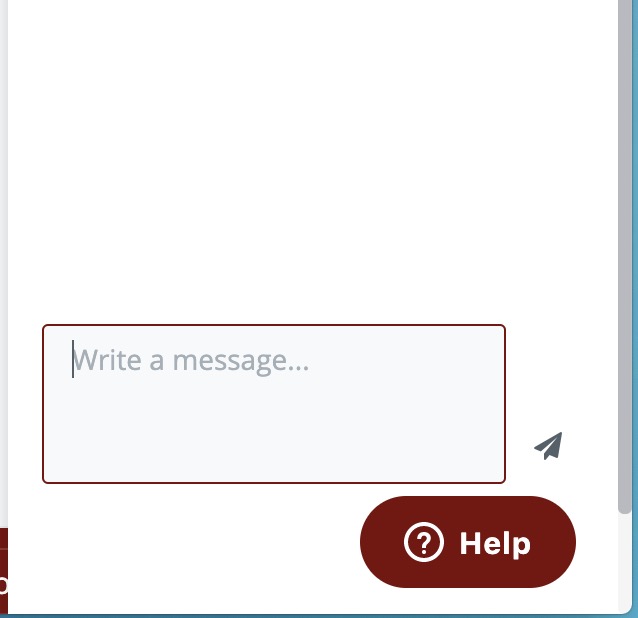
4. Write your message in the field at the bottom and click the airplane icon to send.
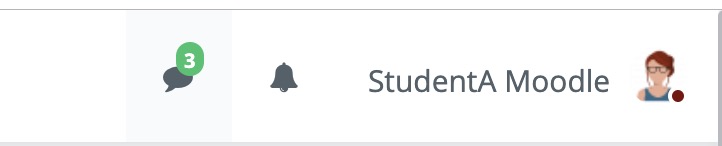
5. When your instructor responds, you will see a green message notification in the upper right of Moodle.
Comments
0 comments
Please sign in to leave a comment.