
At the end of each course, instructors are responsible for confirming that scores are finalized and that there will be no further changes to the gradebook.
1. Navigate to the course, click the Reports tab and select Post Final Grades
2. Click the checkbox next to each student's name to confirm grades.
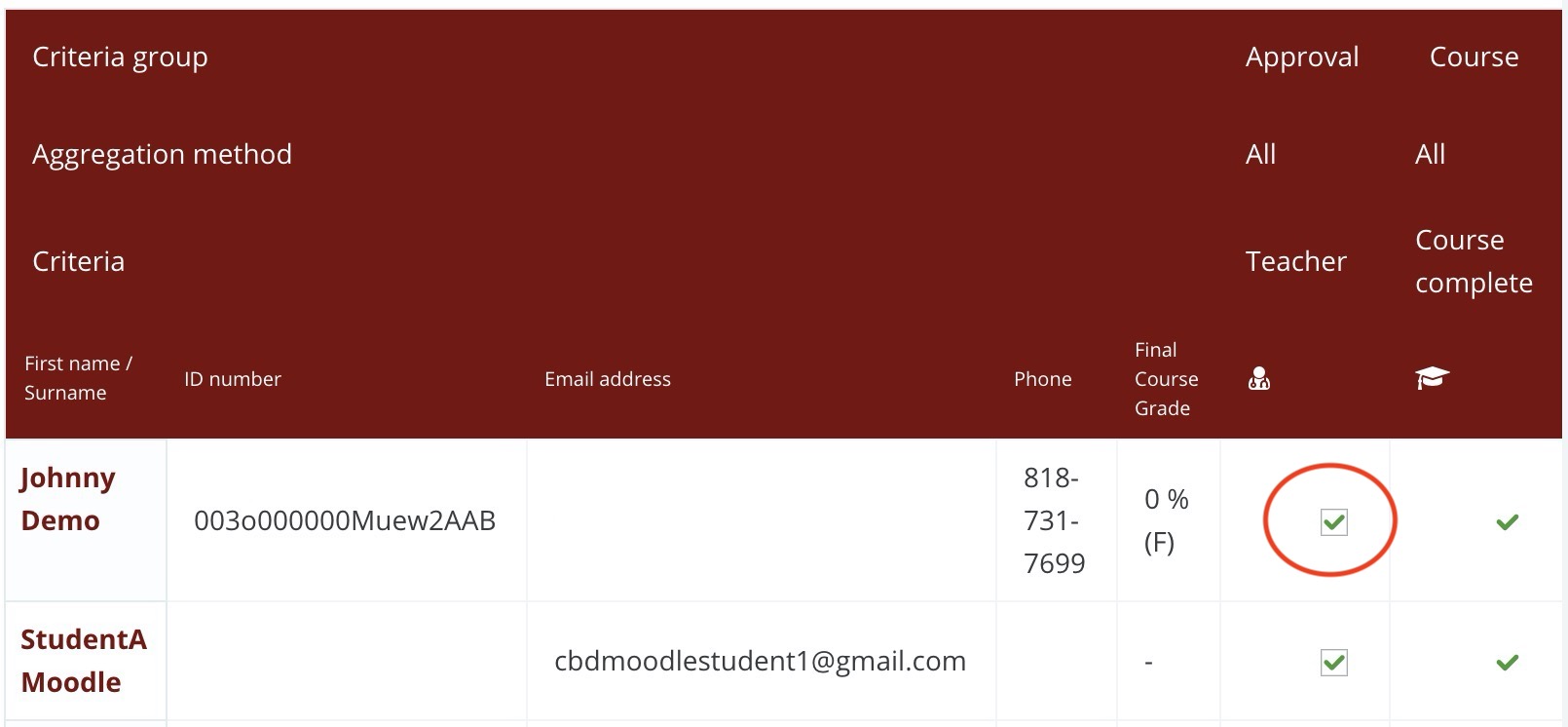
Note: Please select the checkboxes carefully. If you accidentally check a grade that should not be finalized, fill out the Moodle Support form from that course with the details so the online support team can assist you.
Comments
0 comments
Article is closed for comments.