
For Instructors: in Moodle 2, students and instructors communicate primarily through Moodle Messages, instead of using email. Moodle Messages are recorded in the students' records, allowing for more info exchange and follow-up.
Send a Message to a Single Student
1. Click the message icon in the upper-right corner, near your name.

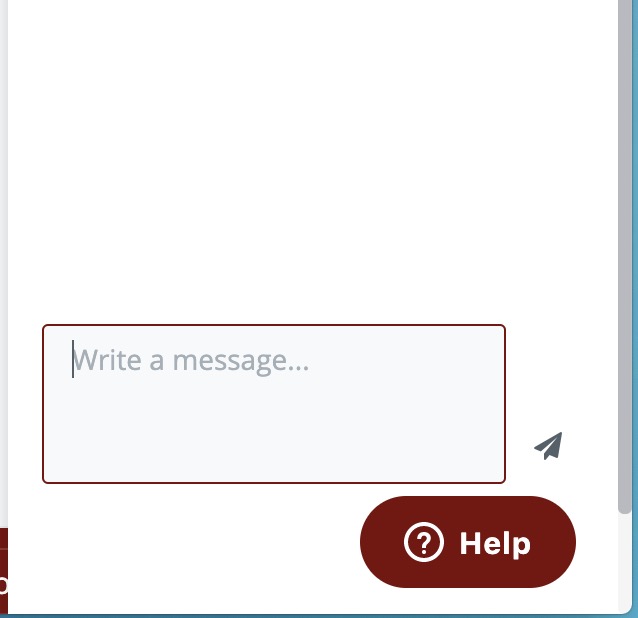
2. Search for the student's name. Write your message in the field at the bottom and click the airplane icon to send.
Reading Messages
Unread messages are indicated by a green icon
Send a Message to Multiple Students
- Go to the Participants page.
- Select participants from the list or use the "Select all" button at the bottom of the list.
- Choose "Add/send message" from the "With selected users..." drop-down menu.
- Assuming you are satisfied with the message, click the "Send" button.
Comments
0 comments
Article is closed for comments.